Why this gets messy in practice
Neither vendor has shipped account switching for their command-line tools. OpenAI supports it for ChatGPT on the web, and explicitly notes that it is not currently supported in Codex desktop. Anthropic has an open request for Claude Code that has been running since January 2026 with several hundred upvotes.
So the CLI holds exactly one login, and changing it means going through a browser flow again. Because that is tedious, people avoid it, and then work drifts onto whichever account happened to be signed in. The failure is quiet: nothing tells you the last two hours were billed to your employer's seat, or that client code went through a personal subscription.
Every surface is separate, and none of them tell you
There are more independent sessions here than people expect:
| Surface | How to check the active account |
|---|---|
| Claude Code CLI | /status inside Claude Code |
| Codex CLI | codex login status in Terminal |
| claude.ai / chatgpt.com | The account menu in the browser |
| Claude Desktop / ChatGPT Desktop | The app's own account settings |
Changing any one of these changes only that one. Codex CLI is a partial exception in the other direction: OpenAI's documentation says its cached authentication is shared with the Codex IDE extension, so those two move together.
Habits that hold up
- Check identity at the start of a work block, not at the end. One
/statusbefore opening a company repository costs two seconds. - Name accounts by role, not by email. "Work" and "Personal" are legible at a glance in a menu; two similar addresses are not.
- Keep the boundary aligned with the work, not with the quota. Moving company work onto a personal account because the company account ran out is the failure mode this whole page exists to prevent.
- Re-check after anything that touches credentials. A reinstall, a machine restore, or a colleague's pairing session can leave a different identity in place.
Your employer's policy governs their account
Provider terms and workplace policy are two different constraints, and the workplace one is usually stricter. An organization-managed account typically carries retention settings, administrative visibility, access controls, and acceptable-use rules that a personal subscription does not.
Two questions are worth asking explicitly rather than assuming: may this account be used for anything outside company work, and may company code go through an account the company does not control? The second one matters most. Running client or employer code through a personal subscription can breach a confidentiality obligation even where no provider term is involved.
On the provider side, what the terms actually prohibit covers the separate question of whether holding several accounts is itself a problem.
A setup that makes the boundary visible
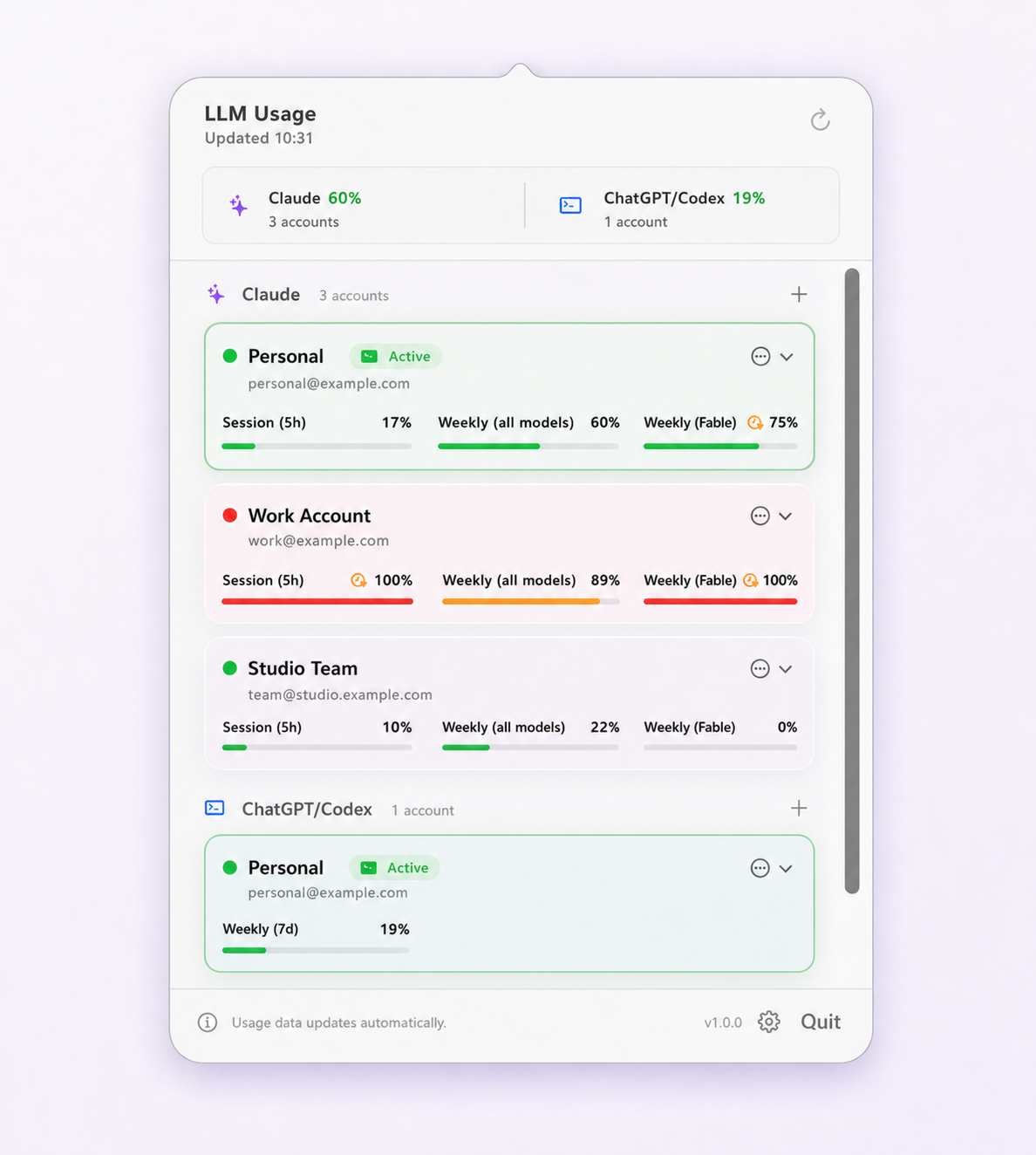
The goal is that the active identity is something you see rather than something you remember. Limit Lifeboat keeps every saved Claude Code and Codex CLI account in the menu bar with its own label, its remaining usage, and a clear indicator of which one the CLI is actually authenticated as.
A switch changes only the selected provider's authentication fields. Settings, MCP server definitions, hooks, permissions, instructions, and local history are untouched, and the app verifies which account it landed on before reporting success. It switches one global login at a time and does not run accounts in parallel — if simultaneous sessions are what you need, the switcher comparison covers the tools built for that.
Setup walkthroughs live in the Claude Code guide and the Codex CLI guide.
Questions and boundaries
Can I use my work Claude account for personal projects?
That is your employer's decision, not a question the provider's terms settle. A work or enterprise account is usually governed by organization retention, access, and acceptable-use policies that do not apply to a personal account. Ask before assuming, particularly where retention or code confidentiality is involved.
How do I check which Claude Code account is active?
Run /status inside Claude Code. Do not infer it from the browser: claude.ai sessions and Claude Code CLI authentication are separate, so the account signed in on the web tells you nothing about which identity the terminal is using.
Does switching the CLI account change my browser session?
No. Claude Code, Claude Desktop, and claude.ai in the browser hold independent sessions, and the same is true of Codex CLI, ChatGPT Desktop, and chatgpt.com. Each surface has to be checked on its own.
Will my employer see what I do on my personal account?
Not through the account itself; the accounts are separate and the provider enforces that separation. What your employer can see on their own account is governed by their administrative controls and retention settings, which is exactly why keeping company work on the company account matters.
Can I run work and personal accounts at the same time?
Not through Limit Lifeboat, which switches the single global CLI login one account at a time. Tools that create isolated per-profile configuration directories, such as claude-swap and clauth, support genuinely parallel sessions.