What exactly changes on disk when I switch?
Only the selected provider's authentication fields. A switch leaves settings.json, MCP server definitions, hooks, permissions, instructions, and local history byte-for-byte alone. (The opt-in Budget Mode and Memory Guard features edit ~/.claude/settings.json only when you turn them on, and back it up first.) The app captures the current login first, stages rollback material, then verifies the restored identity before it cleans up.
What happens if a switch fails halfway?
It rolls back. If another process rewrote a credential while the switch was running, that external change wins and the switch aborts rather than overwriting it. If a safe rollback is not possible, the app keeps a protected recovery directory and tells you, instead of guessing.
Can I keep work and personal accounts separate?
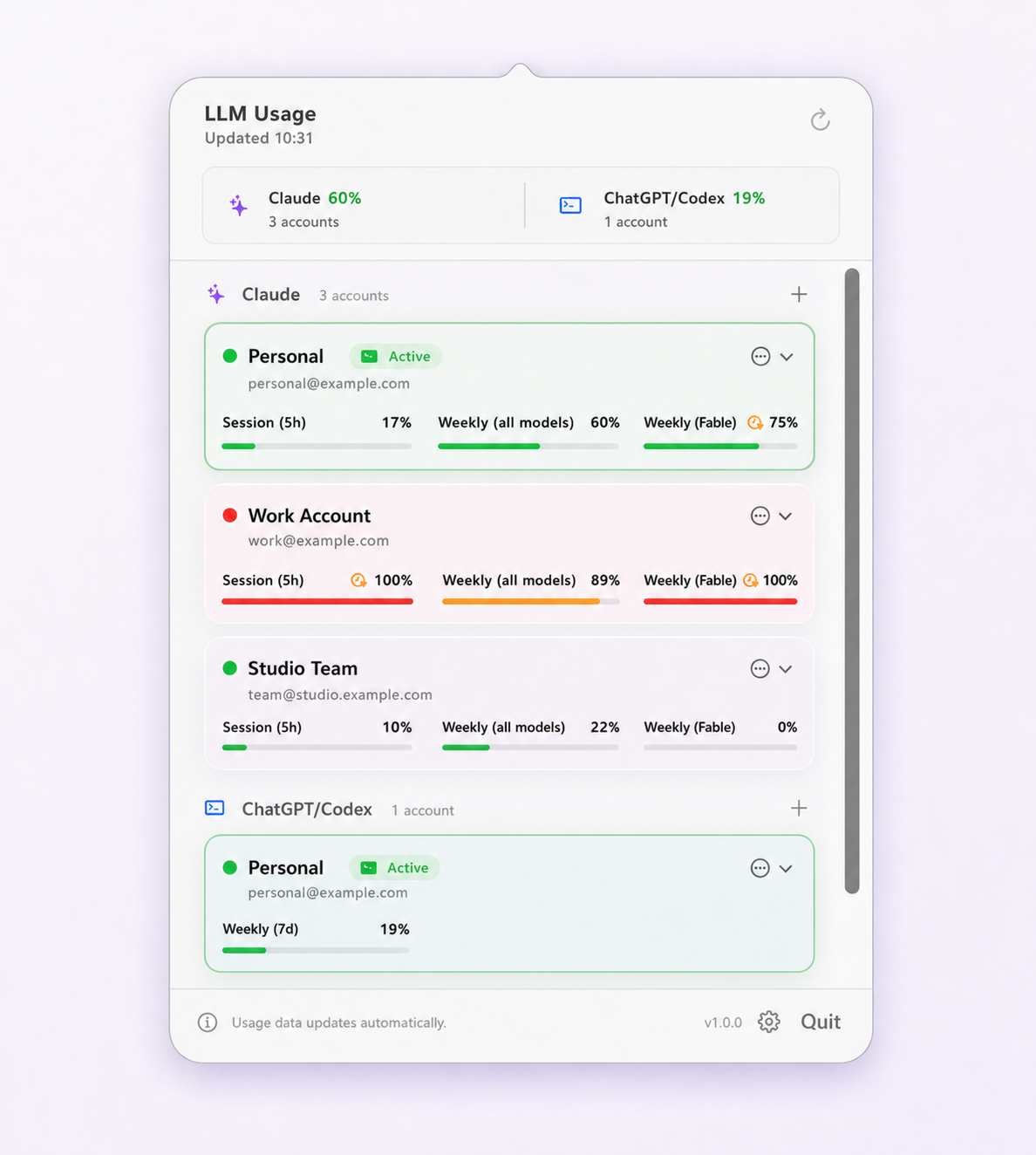
Yes. Each saved account has its own identity, usage reading, and Keychain-protected credential snapshot. Quotas stay separate and provider-enforced; nothing is pooled or merged. Use only accounts you are authorized to access and follow the provider and workplace policies that apply to them.
Which accounts does Limit Lifeboat support?
It supports Claude subscription accounts used by Claude Code and ChatGPT subscription accounts used by the Codex CLI. You can use either provider or both.
Does it switch accounts automatically?
Only if you turn that on, and it is off by default. When enabled, it moves off the active account at 5% session remaining or 1% weekly remaining, follows your saved priority order, and requires the target account to have at least 30% headroom and to be at least 20 points better than the one you are leaving.
Does it switch my browser or desktop app too?
No. Browser, Claude Desktop, ChatGPT Desktop, and CLI sessions are separate. Limit Lifeboat switches the corresponding command-line tool only.
Does the app update itself?
It checks the signed update feed once a day by default, but it never installs silently. Every update requires you to choose Install and Relaunch.
Where does my account data live?
Profiles and usage history stay in your user Library. App-managed credential snapshots are encrypted by macOS Keychain. There is no product analytics, advertising, or telemetry.
Can I use an Intel Mac?
Not in version 1.1.18. Limit Lifeboat requires an Apple Silicon Mac running macOS 14 Sonoma or newer.