Where the configuration actually lives
Most of the confusion here comes from assuming one file holds everything. It does not, and the split matters because different failures hit different files.
-
~/.claude.json— user-scoped MCP servers, plus project entries that can carry their own local-scoped servers. This is the file people mean when they say "my MCP servers are gone". -
.mcp.jsonin a project root — project-scoped servers, intended to be committed and shared with collaborators. -
~/.claude/settings.json— hooks, permissions,statusLine, environment variables, enabled plugins and marketplaces. No MCP servers. - The
Claude Code-credentialsKeychain item, plusoauthAccountin~/.claude.jsonand theoauth:tokenCachefields in~/Library/Application Support/Claude/config.json— authentication, and nothing else.
That last line is the important one. Authentication is a small, named set of fields. Anything that changes your login has no reason to touch the other three bullets, and a tool that does is making a choice, not meeting a requirement.
The four causes, in rough order of likelihood
1. A tool rewrote the file wholesale
The most common cause, and the only one that is somebody's deliberate design. Account and provider switchers frequently work by keeping a copy of a whole configuration file per profile and writing it into place on switch. Everything the tool does not know about is gone, because it was never in the copy. See below for which tools do this.
2. A configuration directory swap
Approaches built on CLAUDE_CONFIG_DIR give each profile a completely separate
configuration directory. That is a legitimate technique — it is how you get genuinely parallel
sessions — but it means each profile has its own MCP servers, its own history and its own
settings. Nothing was deleted; you are looking at a different directory. If your servers come
back when you unset the variable, this is your answer.
3. An update rewrote it
Claude Code has historically rewritten ~/.claude.json during auto-update and lost
MCP configuration in the process, reported in
issue #1788,
with a related configuration-loss report in
issue #1676.
Both are closed, so a current version is unlikely to reproduce them — but if the loss coincided
with a version bump on an older install, this is the likely cause.
4. Nothing was lost, and the scope is wrong
A server you removed that keeps reappearing, or one you defined that Claude Code will not see, is usually a scope problem rather than a data-loss problem. The same server can exist at user, project and local scope, and removing it at one leaves the others. Issue #7936 covers this case. Check all three before assuming a write failed.
Recovery, in order
Stop at the first step that returns your configuration.
- Check whether the file is empty or merely different. Open
~/.claude.jsonand~/.claude/settings.jsonand look. A file that still has content but lacks your servers points at a merge or scope problem; a file reset to near-empty points at a wholesale rewrite. - Check for a config-directory swap. If
CLAUDE_CONFIG_DIRis set in your shell, your configuration is in that directory, not the default one. - Look for the tool's own backup. Most switchers keep the profile copy they wrote from. If a tool put your configuration in this state, its stored profile is usually the cleanest copy of what you had.
- Recover from version control or Time Machine. Project
.mcp.jsonfiles are typically committed, which makes project-scoped servers the easiest to restore. For the home-directory files, Time Machine keeps hourly local snapshots even without an external disk attached. - Re-add what is left.
claude mcp addrebuilds servers one at a time. Tedious, but it is the floor, and it is worth doing while you have the failure fresh enough to also fix the cause.
Tools that overwrite rather than merge
This is worth stating precisely rather than as a general warning, because the behaviour varies and one very widely used tool is explicit about it.
cc-switch — a cross-platform provider switcher, and by a wide margin the most
starred tool in this space — performs a full overwrite of
~/.claude/settings.json when it switches providers. A field-level merge was
shipped in v3.11.0 and reverted in v3.11.1 after it introduced state conflicts; the maintainer
closed the request as a considered design decision and points users at a separate general-config
feature that carries hooks and plugins across providers instead. If you use it, that feature is
the mechanism you need, and it is opt-in.
Note that cc-switch switches providers — API endpoints and keys — rather than subscription accounts. It is frequently confused with the several similarly named account switchers, which is its own problem; the switcher comparison disentangles the names and covers how each tool handles write scope.
The general test to apply to any of them: can the tool tell you exactly which keys it writes? A tool that documents a field list has bounded its blast radius. A tool that describes itself as backing up and restoring configuration files has not.
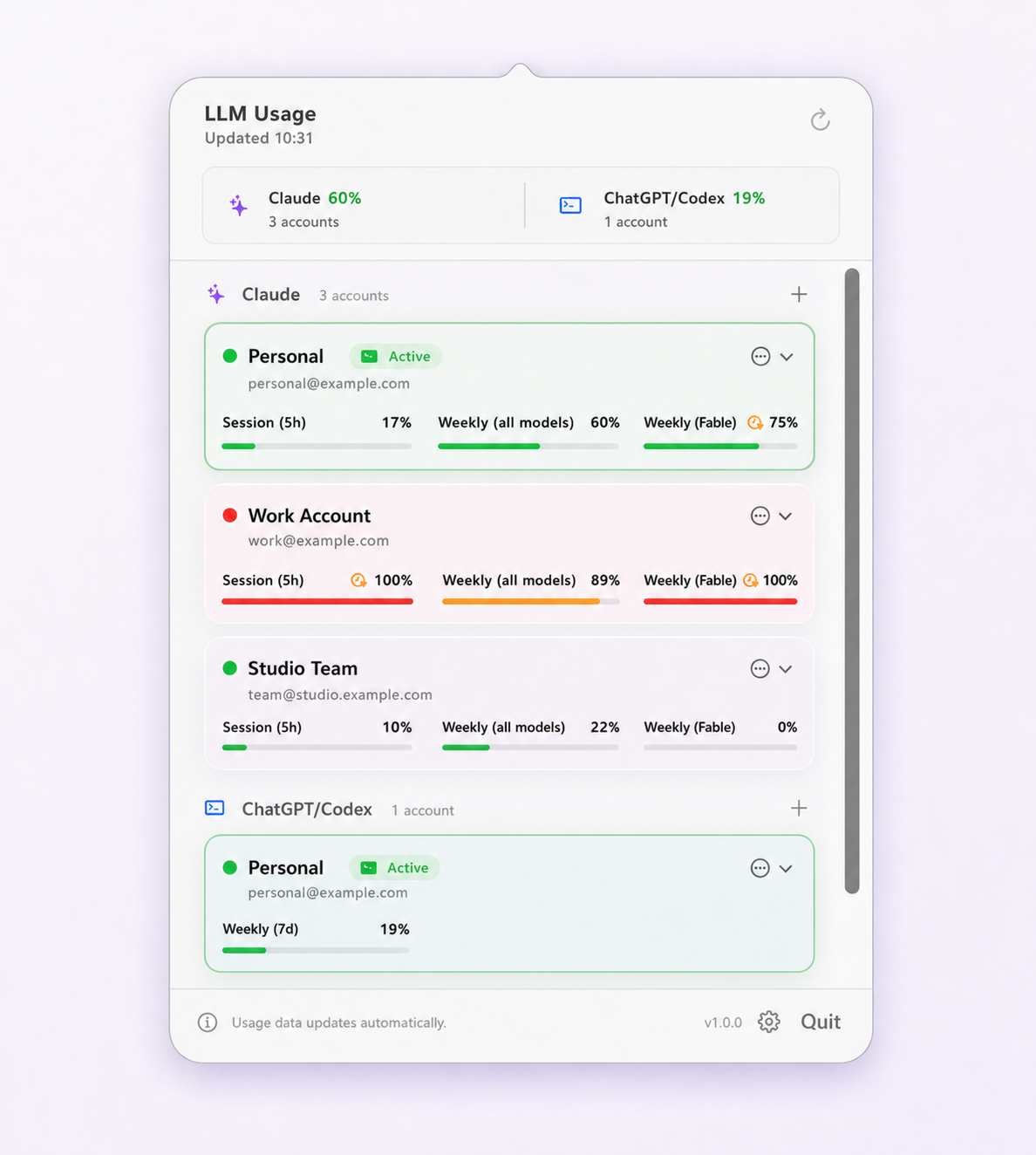
Limit Lifeboat writes only the authentication fields named
above and never opens settings.json, hooks, permissions,
instructions or history at all. That is the entire design, and it is why the failure on this
page cannot originate here.
Preventing a repeat
- Put the files somewhere recoverable. Commit project
.mcp.jsonfiles. Keep a copy of~/.claude/settings.jsonin a dotfiles repository. This turns a bad afternoon into a checkout. - Prefer field-scoped writers. For anything that runs regularly against your configuration, a documented field list beats a file copy.
- Know which mechanism you chose. Config-directory isolation and credential swapping are both valid, and they behave very differently. Isolation gives you parallel sessions and separate configuration per profile; credential swapping gives you one shared configuration and one active login. Switching Claude Code accounts on Mac covers the trade-off.
- Verify after a switch. Losing configuration and landing on the wrong account are the same class of failure — a change you assumed completed. Checking which account is active is the other half of it.
Questions and boundaries
Where does Claude Code actually store MCP servers?
Not in settings.json. User-scoped and project-scoped MCP servers live in ~/.claude.json, and a project can also define servers in a committed .mcp.json at its root. settings.json holds hooks, permissions, statusLine, environment variables and plugin settings — which is why a tool can destroy your hooks while leaving MCP servers intact, or the reverse.
Does logging out of Claude Code delete MCP servers?
No. A logout replaces authentication only. If MCP servers disappeared around the same time as a login change, the cause was something else that ran nearby — an update, a config-directory swap, or a switching tool that rewrote the whole file rather than the authentication fields inside it.
Why do my MCP servers come back after I remove them?
Because the same server is defined at more than one scope. Removing it at user scope leaves a project-scoped copy in place, and it reappears. This was reported against Claude Code in issue #7936. Check every scope before concluding a removal failed.
Can an account switcher overwrite settings.json?
Some do, by design. cc-switch performs a full overwrite of ~/.claude/settings.json when it switches providers; a field-level merge was tried in v3.11.0 and reverted in v3.11.1 because it caused state conflicts, and the project now carries shared configuration across providers through a separate general-config feature instead.
How do I stop this happening again?
Keep a copy of ~/.claude.json, ~/.claude/settings.json and any .mcp.json under version control or in a backup, and prefer tools that write named fields rather than whole files. A tool that cannot tell you exactly which keys it writes will eventually write one you cared about.